
Quick answers
Paint a Game FAQ
These answers stay inside what the public Paint a Game! description and Roblox metadata actually say. For a first session, the short version is: claim a plot, choose a Roblox icon, paint its blocks, and return to the saved canvas later.
What kind of Roblox game is Paint a Game!?
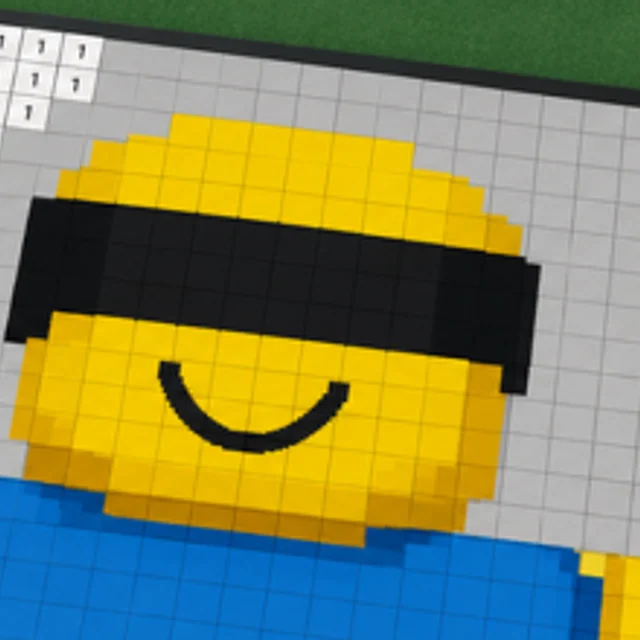
Paint a Game! describes itself as a chill coloring game. Its specific twist is that you can load Roblox game icons onto a canvas and recreate them block by block. That makes the main activity different from a generic drawing pad: the canvas begins with an icon-shaped target and the visible grid guides the reconstruction.
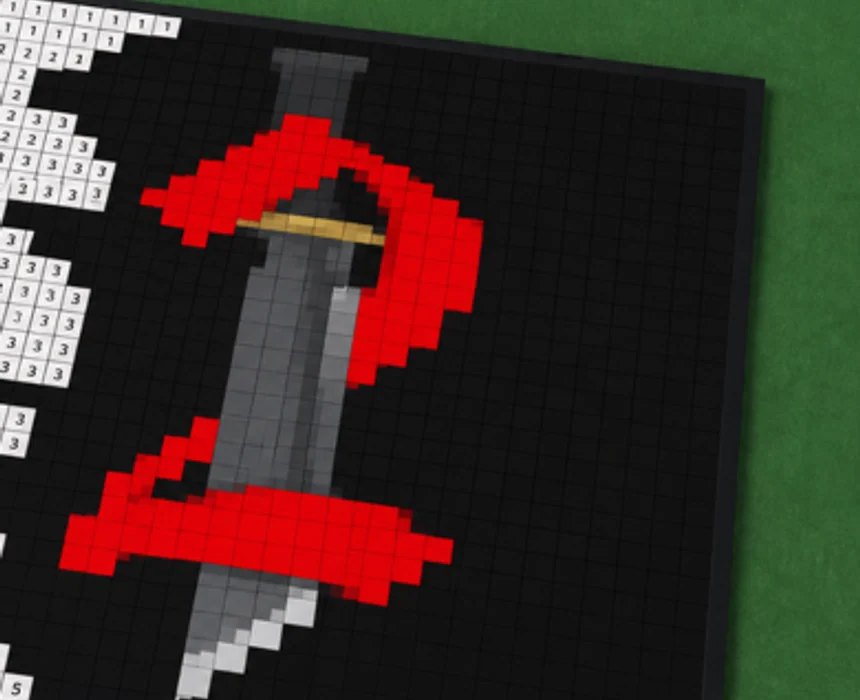
The public screenshots show a numbered block surface alongside finished color regions. This wiki uses those visuals to explain the core loop, but it does not attach hidden mechanics to them. No public source found for this launch site defines a paint-level system, a rarity table, or a reward progression.
Why are there no codes or item lists here?
A code page only helps when a code source exists, and a database only helps when its entries can be checked. The official Paint a Game! page provides a clear canvas-and-icon loop, but it does not publish a code list, named item catalog, or list of canvas rewards. A page full of invented labels would make the site look larger while making it less useful.
The launch focus is therefore practical: reaching the right Roblox experience, understanding the canvas sequence, playing alongside others, and returning to saved progress. New verified systems can earn their own pages when the game’s official channels describe them clearly enough for players to use them.
Questions players ask
What do you paint in Paint a Game!?
The official description says you can search for a Roblox game, load its game icon onto your canvas, and recreate it block by block. The target is therefore an icon selected through the game’s own search flow, not a generic freehand prompt or a character list supplied by this wiki.
Does Paint a Game! save progress?
Yes. The official description says progress saves automatically, so you can leave and come back later. It does not describe a save-slot count, a manual save button, or a time limit. This site only treats the automatic return to progress as confirmed behavior.
Can I paint with friends or other players?
The official description says players can paint alongside other players in real time and presents the experience as a chill 4-player coloring game. It does not publish role assignments or a scored team mode, so the clearest shared goal is simply making the selected icon readable together.
Who made Paint a Game!?
Roblox’s public game metadata names dilly dally games as the creator. The group page is linked from the official experience context. This independent wiki is not run by Roblox or by dilly dally games, and it links back to the official experience whenever a player needs the primary source.
Is this wiki officially endorsed?
No. This is an independent player guide. The official Paint a Game! description states that the experience itself is unofficial and is not endorsed by Roblox or featured creators. That note is especially relevant because the game can display icons belonging to other Roblox experiences.
How do rights holders request an icon removal?
The official experience description asks rights holders to contact the creator through the social link on the experience or group page. It asks them to include the experience URL or Universe ID so that a verified request can be reviewed. This wiki does not process removal requests itself.