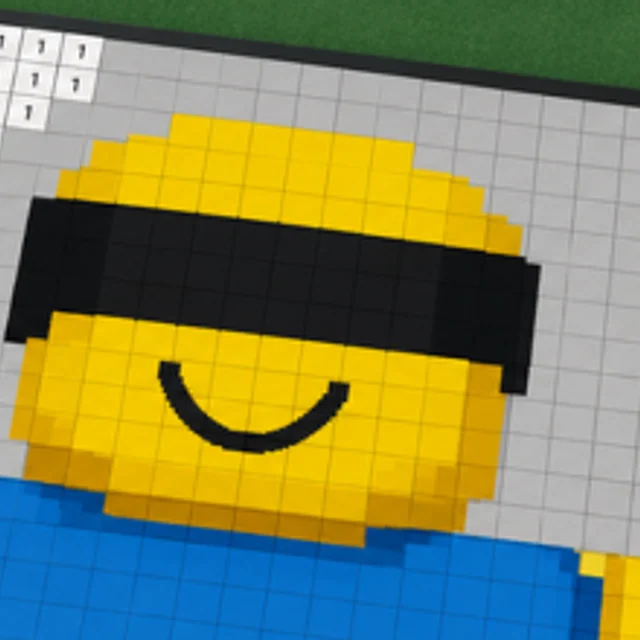
Real-time coloring
Paint a Game Multiplayer
Paint a Game! says players can paint alongside one another in real time. The canvas is the shared point of reference.
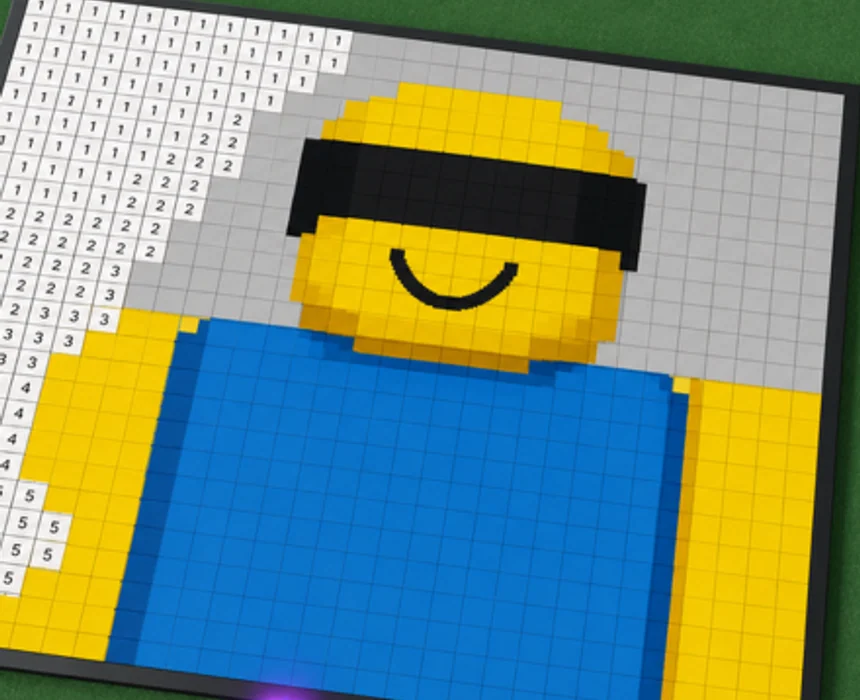
Use the image to coordinate
The official description confirms real-time co-painting. A simple way to make that useful is to begin with visible areas: a large background field, a bold outline, or another block group that makes the chosen icon easier to recognize. Clear shapes make the shared project easier to follow.
No public first-party source found for this launch site defines assigned team roles, private color ownership, or a co-op scoreboard. This page therefore treats collaboration as a visual task rather than inventing a formal team strategy.
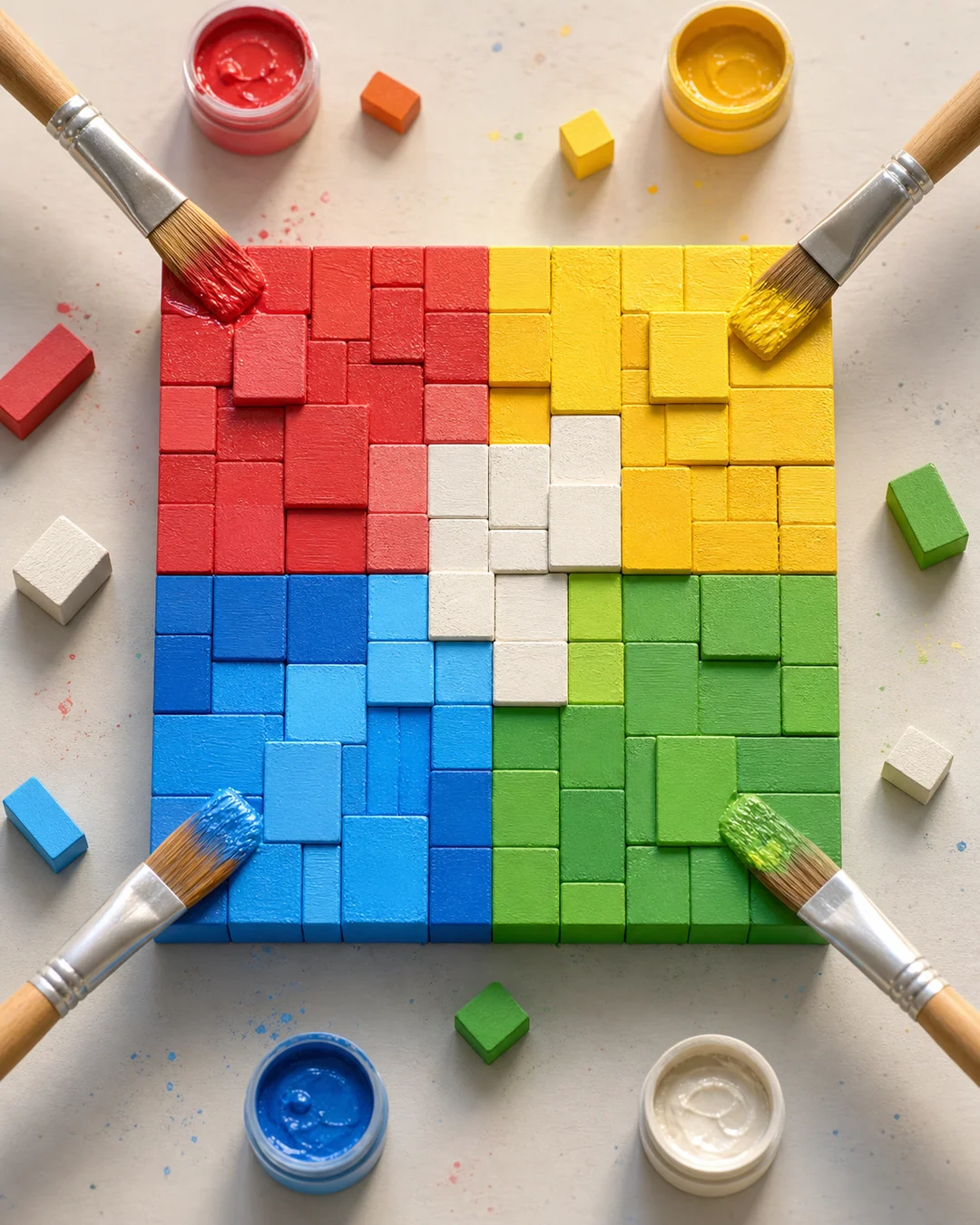
Keep a shared session readable
When more than one person is working on a picture, nearby blocks usually communicate more than scattered single blocks. Completing one section gives the next painter an obvious neighboring area and helps the canvas retain its subject as it changes.
The official page describes the experience as a chill 4-player coloring game. Roblox metadata also carries a separate maximum-player field, so this guide does not claim a detailed lobby rule. Join the official experience and use its live session behavior as the final answer for a particular server.