Return to your canvas
Paint a Game Save Progress
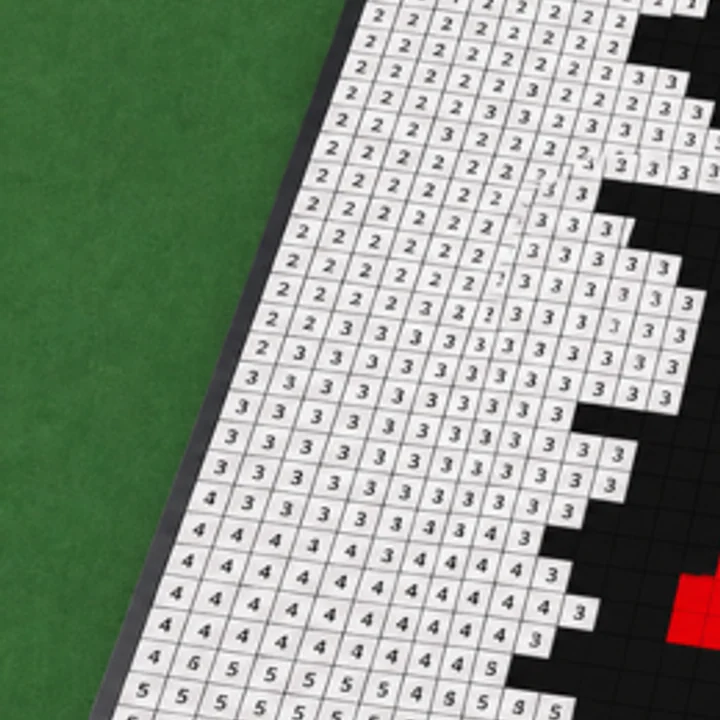
Paint a Game! says progress saves automatically. An unfinished icon can therefore be a natural pause point rather than a lost session.
Automatic saving is the verified behavior
The official description says that your progress saves automatically and that you can leave and come back later. This is the part worth relying on: make progress on the canvas, leave when you need to, and return to continue the same project.
The public description does not explain save slots, a manual save button, or an exact timing rule. This page does not add those details. If you are about to leave a canvas, the useful habit is to finish a visible region so the next return has an obvious place to continue.
Make the next session easy to read
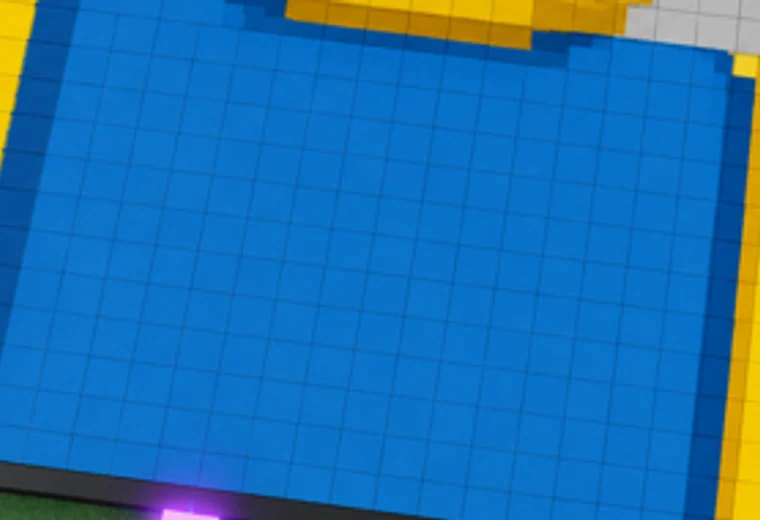
A large completed color area, a clear outline, or a finished corner helps you recognize the state of an unfinished icon. That is not a game requirement; it is a practical way to orient yourself when you come back to a block-by-block picture.
For the complete flow around a saved project, read the first-session guide. It keeps the focus on the verified order: plot, Roblox icon, canvas, blocks, and saved progress.